VSCode AI 辅助编程
本文档介绍在 VSCode 中使用 AI 辅助编程的几种方式。
相关笔记
Continue 插件
自定义大模型
配置文件如下,使用 deepseek 的大模型,这个大模型的效果好而且价格很便宜。
使用 Continue 进行 AI 辅助代码编写
Continue 主要有两种使用方式:
[! tip] Ctrl + L 选中代码 选中需要的代码,按下 Ctrl+L 快捷键后,Continue 界面就会弹出来,并将选中的代码插入到聊天框中,这时候你可以让它帮你编写单元测试,或者检查可能存在的 bug。
Ctrl + I 插入代码
在代码的任意位置按下 Ctrl + I,会弹出一个小的 prompt 输入框,你可以输入需求让它快速生成。
配置文件
{
  "models": [
    {
      "title": "deepseek",
      "provider": "openai",
      "model": "deepseek-coder",
      "apiBase": "https://api.deepseek.com",
      "apiKey": "sk-d183a4ef60b54c61ae23a24d0da22857",
      "apiType": "openai"
    }
  ],
  "customCommands": [
    {
      "name": "test",
      "prompt": "{{{ input }}}\n\nWrite a comprehensive set of unit tests for the selected code. It should setup, run tests that check for correctness including important edge cases, and teardown. Ensure that the tests are complete and sophisticated. Give the tests just as chat output, don't edit any file.",
      "description": "Write unit tests for highlighted code"
    }
  ],
  "tabAutocompleteModel": {
    "title": "deepseek",
    "provider": "deepseek",
    "model": "deepseek-coder"
  },
  "allowAnonymousTelemetry": true,
  "contextProviders": [
    {
      "name": "code",
      "params": {}
    },
    {
      "name": "docs",
      "params": {}
    }
  ]
}
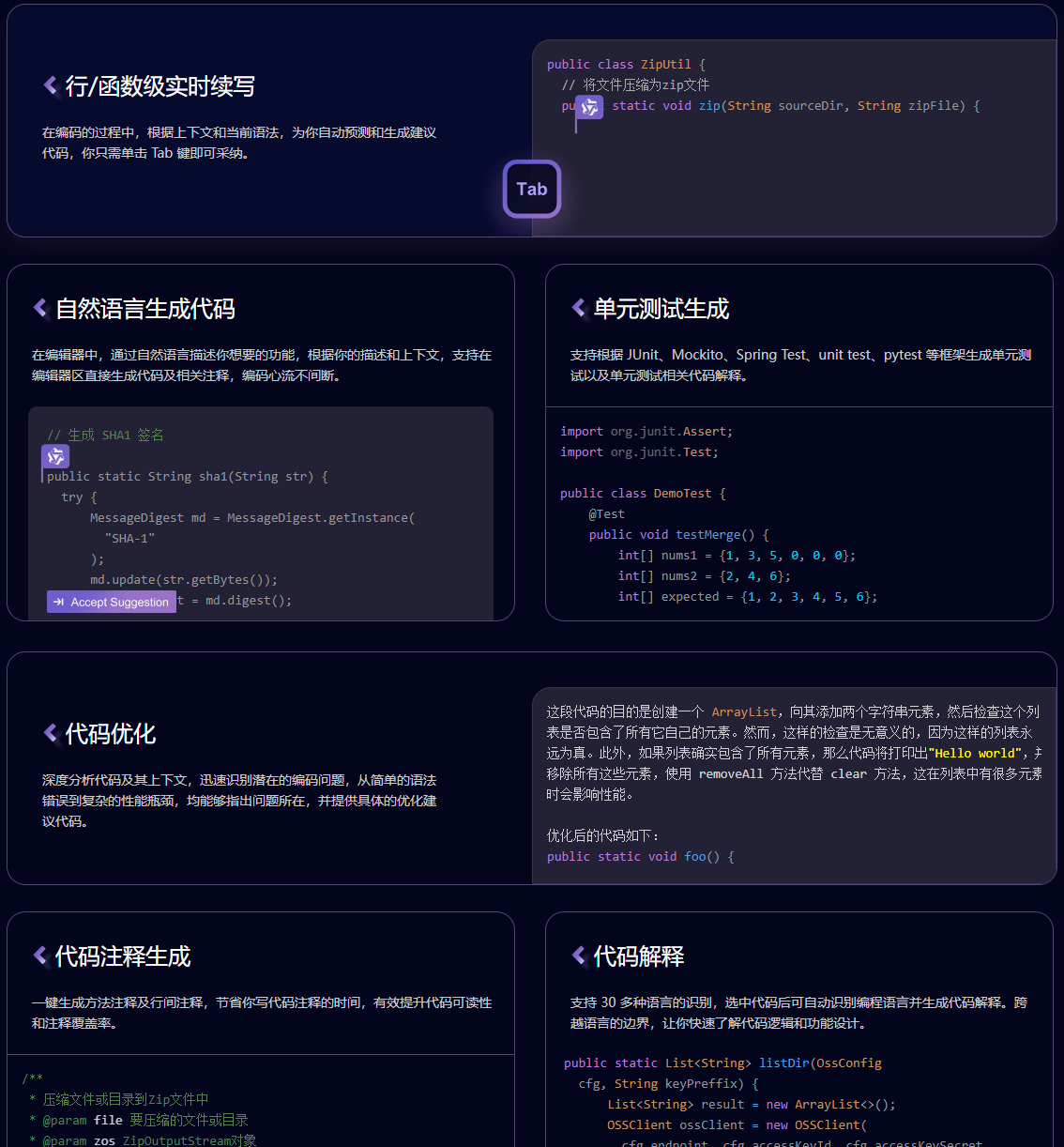
通义灵码
https://tongyi.aliyun.com/lingma/